
FiveM
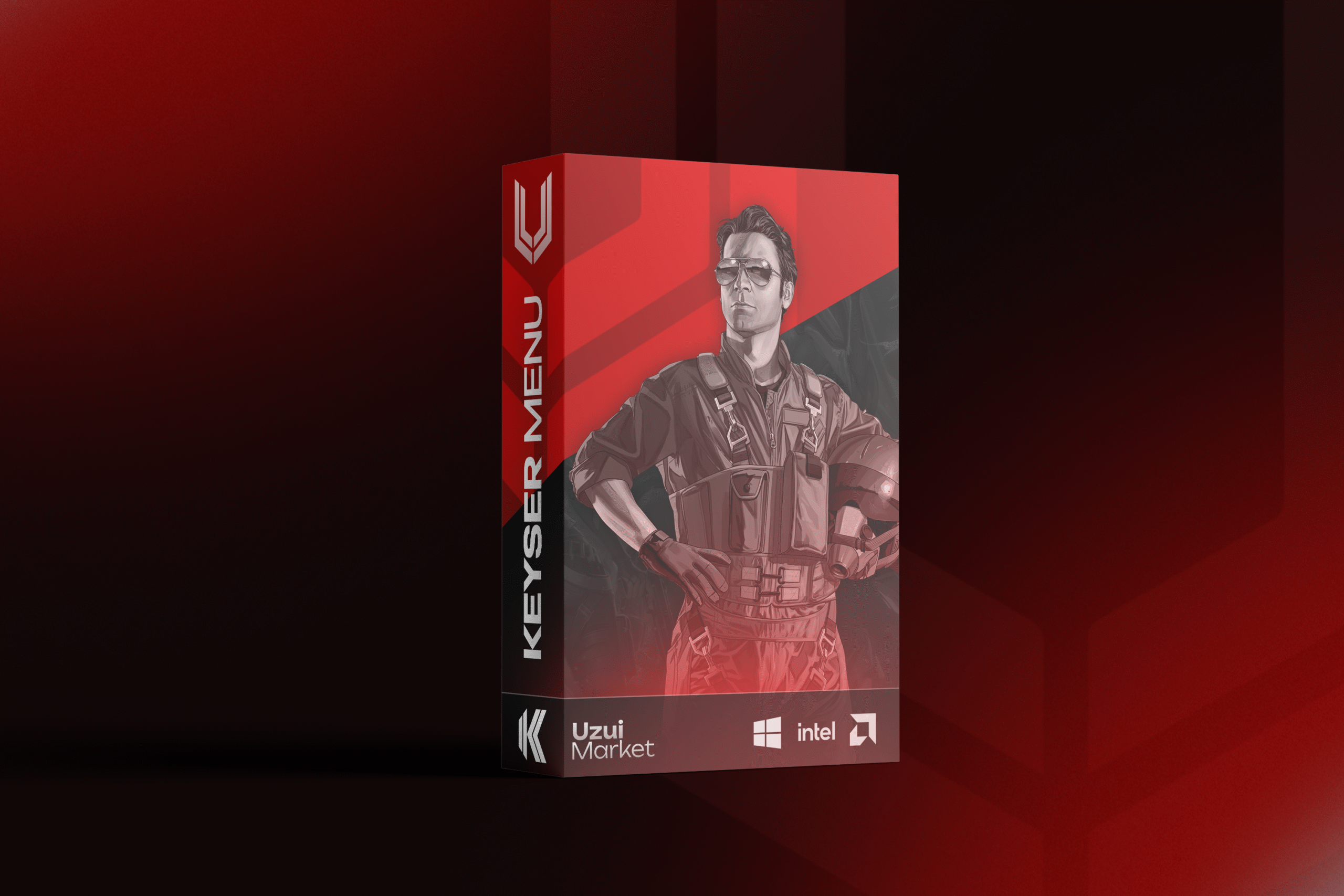
Keyser Menu
Select a plan
4 optionsQuantity
Max 1000 per order
How It Works
Select Product
Pick the plan and duration that fits how you play.
Purchase Product
Pay by card, PayPal or crypto - whatever you already use.
Instant E-Mail Delivery
Your licence key lands in your inbox and account within seconds.
Description
Frequently Asked Questions
Still unsure? Our Discord answers in minutes, around the clock.
Delivery is instant. Your licence key appears in your account the moment the payment confirms - there's no manual approval step and no waiting for a reseller.
Keyser Menu starts at €4.99. Multiple durations are available on this page, and longer plans cost less per day.
No. Free builds circulating on forums are either outdated, already flagged, or bundled with malware - and the ones that work get patched within days because nobody maintains them. A paid licence pays for the rebuild after every game update.
The product goes into Updating status until it's rebuilt and retested, and the time lost is added to your licence. You can follow the progress on the status page or in Discord.